STEP 1 OF 2 - SQUAT GUIDE
Get ready for your squats.
Set up your space, then continue to the camera. You will calibrate your comfortable squat range on the next page.
Side-view squat setup
- Place your device securely at hip height.
- Stand side-on with your full body in the frame.
- Use a clear, well-lit space with room to move comfortably.
Calibrate your comfortable range before recording. Movement estimates are not a medical assessment.
VISUAL SETUP GUIDE
One comfortable down-and-up cycle
Use these poses to recognize the start and turn of the movement. They are an orientation guide, not a required depth or scoring target.
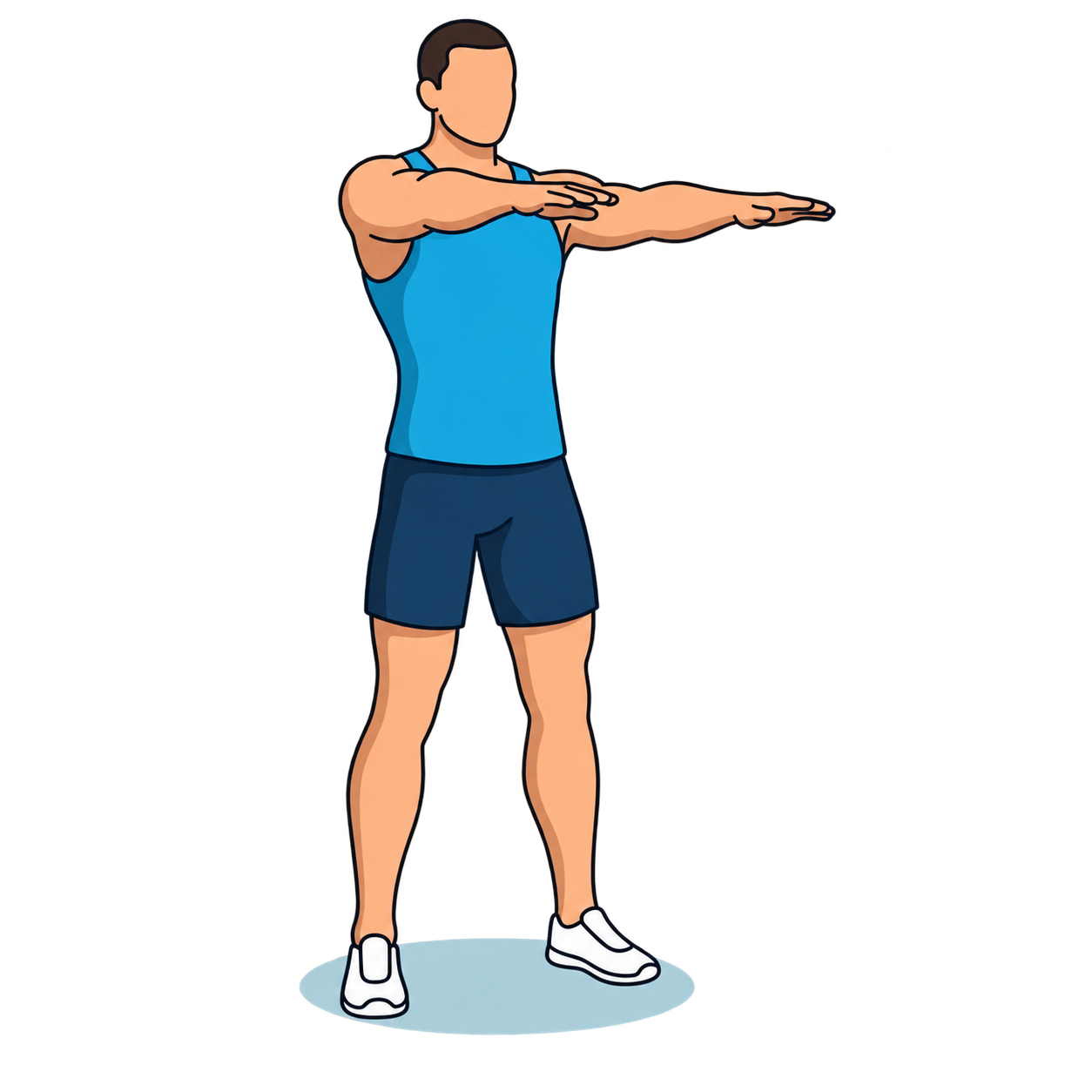
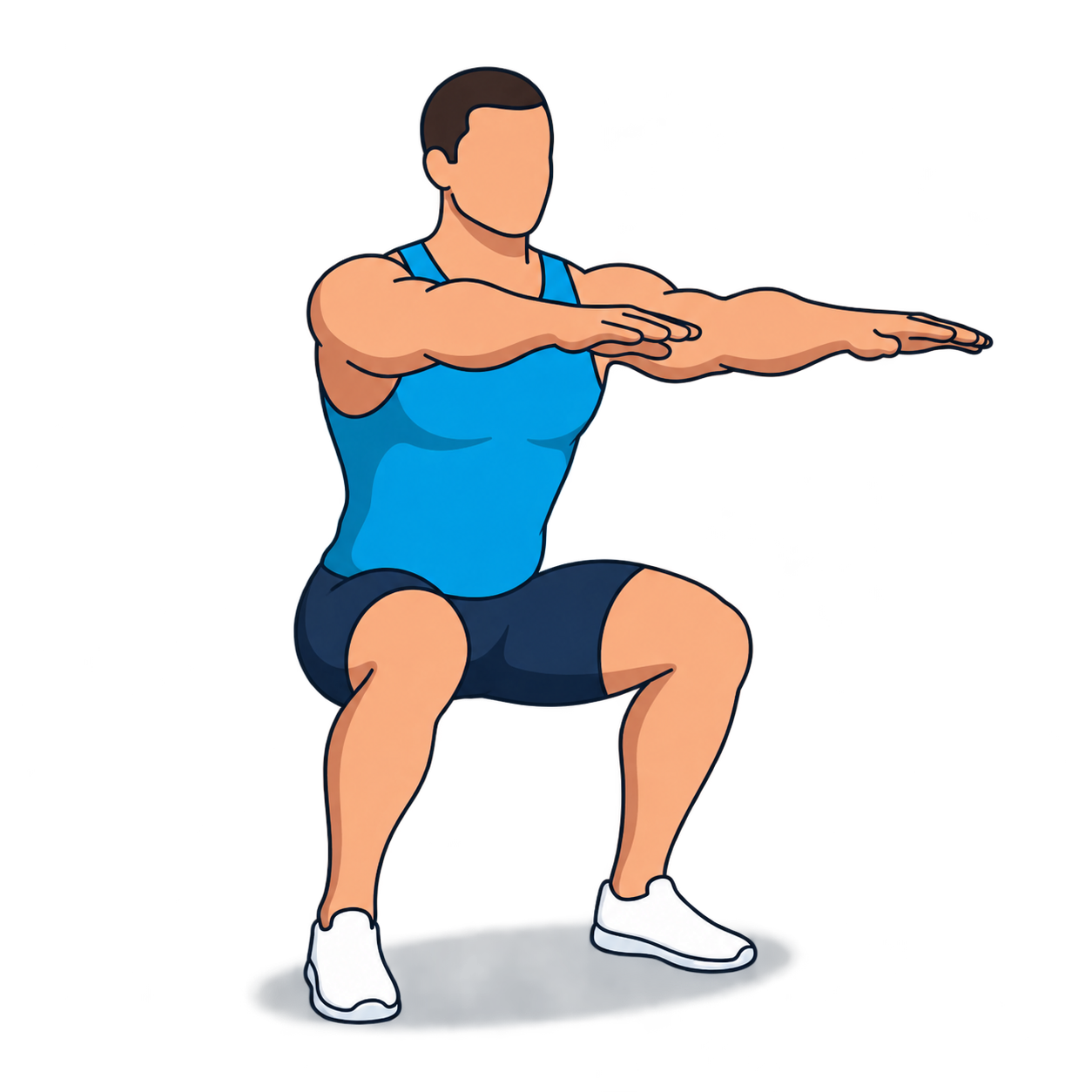
Exercise illustrations by RepDB (repdb.co).